
Appearance
Submitting for review & the approval chain
A Level 2 RCA goes through a formal review and approval workflow before it's completed. This page walks the whole path — from submitting the investigation to a completed RCA. (Level 1 RCAs skip this entirely; the owner completes them directly.)
The stages
Once the owner submits, a Level 2 RCA moves through these stages in order:
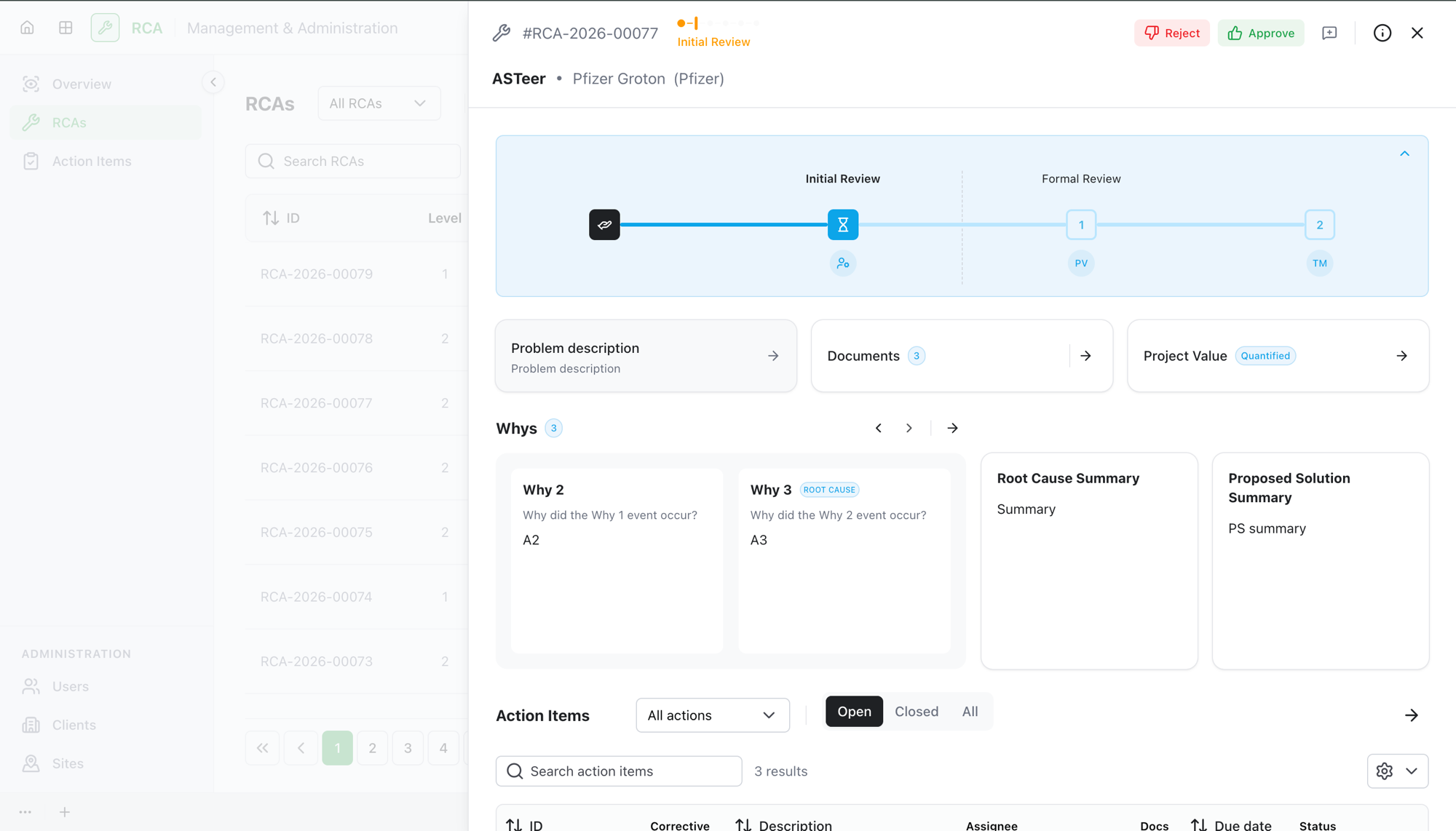
- Initial Review — an administrator reviews the submitted RCA.
- Formal Approval — the five approver roles sign off, each in turn.
- Corrective Actions — the team carries out the corrective work.
- Final Review — a last review before completion.
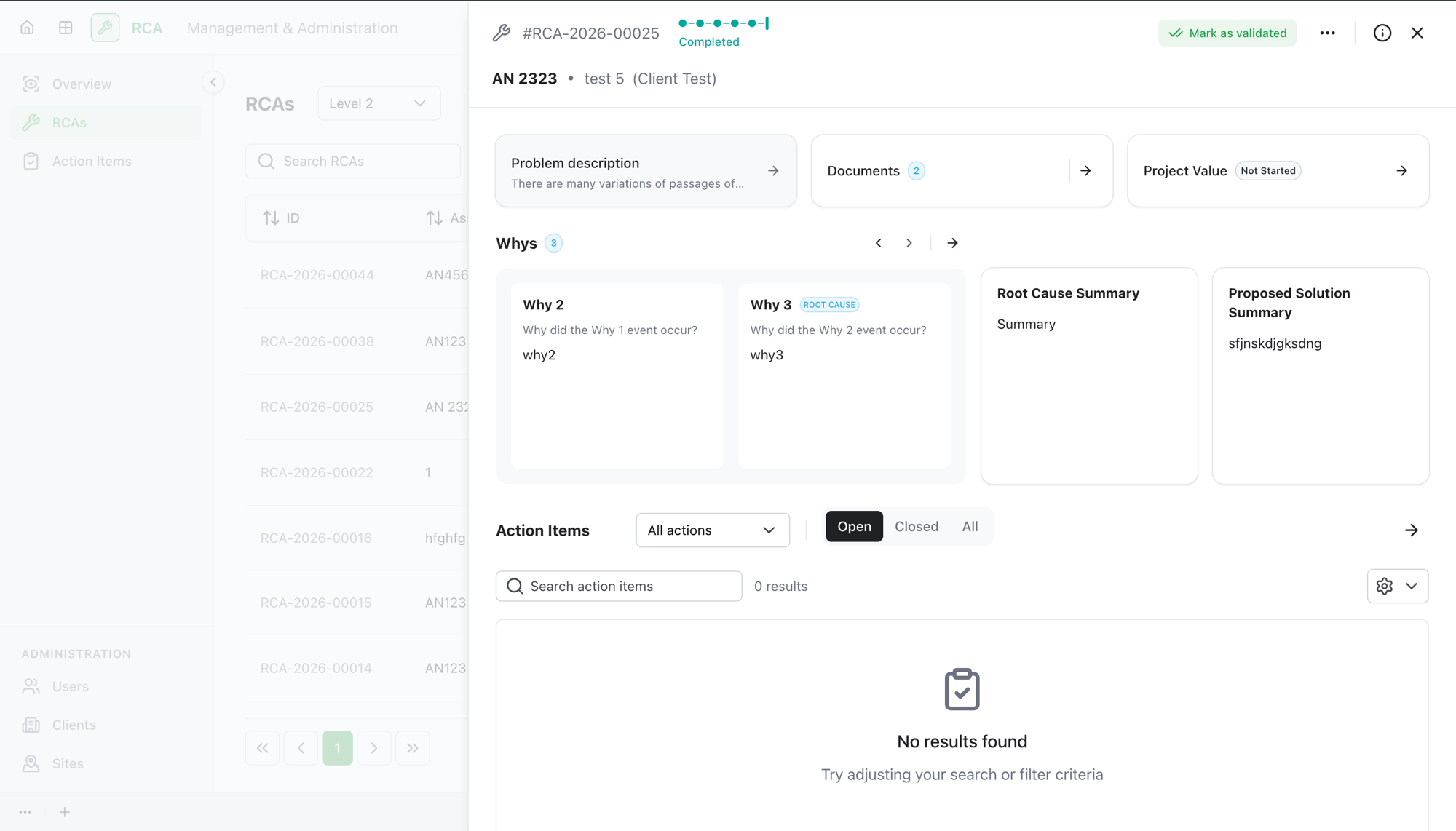
- Completed — the RCA is done.
Step 1 — Submit for review
When the investigation is ready, the owner submits the RCA for review. Submitting needs:
- a root cause identified and described,
- a proposed solution summary,
- at least one corrective action item, and
- at least one supporting document.
The RCA moves to Initial Review.
Step 2 — Initial Review (administrator)
An administrator reviews the RCA. They either:
- Approve it — the RCA moves to Formal Approval, or
- Reject it — the RCA returns to Investigation with comments to address (see Rejections & rework).
Step 3 — Formal Approval (the approver chain)
The five approver roles you assigned approve the RCA one at a time, in order:
- Reliability Planning Analyst
- Reliability Engineer
- Site Supervisor
- Site Manager
- Area Program Manager
Each approver can only act when it's their turn — the next approver sees the RCA only after the previous one approves. An approver can add a comment when approving. The approval stepper shows who has approved and whose turn it is.
Any approver can reject, which sends the RCA back to Investigation for rework.
After all five approve, the RCA moves to Corrective Actions.
Step 4 — Corrective Actions
The team carries out the corrective action items. Changes made here are tracked, and depending on what changes, the RCA may need reapproval before it can move on (see Corrective actions & reapproval). When the work is done, the owner submits for Final Review.
Step 5 — Final Review & completion
A final review confirms everything is in order. On approval, the RCA is Completed. A completed RCA can later be reopened or marked validated (see Cancel, reopen & validate).
What happens on a rejection
A rejection at any review stage — Initial Review, Formal Approval, or Final Review — sends the RCA back to Investigation with the reviewer's comments left open. The owner resolves each comment and resubmits, which starts a new approval round from the beginning. See Rejections & rework for the details.
Troubleshooting
| Problem | What to do |
|---|---|
| You can't submit for review | You need the root cause described, a proposed solution, at least one corrective action, and at least one document. |
| An approver can't approve yet | Formal approval is sequential — each approver acts only when it's their turn, after the previous approver has approved. |
| The RCA went back to Investigation unexpectedly | A reviewer or approver rejected it. Check the open comments, resolve them, and resubmit. |